Resller Workflows
Add a Hosting Customer
- Sign in to WHM
- In the left hand navigation panel, navigate to and select WHM > Home > Account Functions > Create a New Account (you may also use search to speed things up)
The Create a New Account screen features six sections:
- domain information
- package
- settings
- mail routing settings
- DNS settings
Domain Information
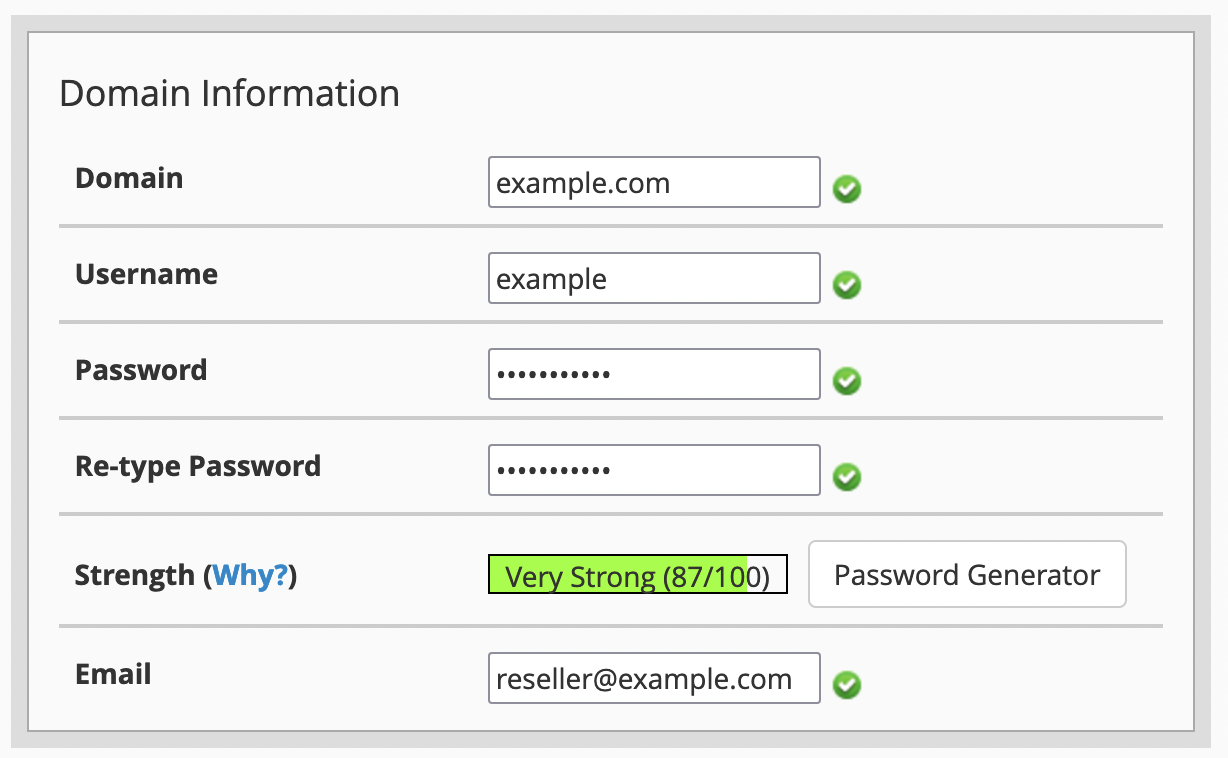
This section is fairly self-explantory. Note the password so that you may share it with your customer; customers can perform a self-service password reset directly from the login screen if needed.
Package
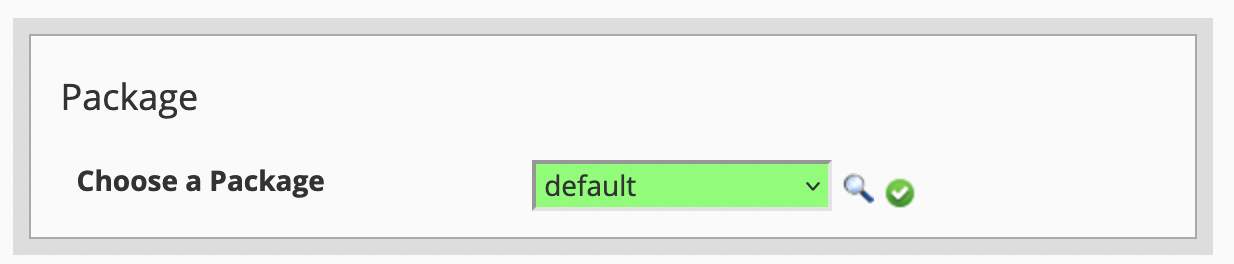
The Default package contains nearly all available features. Additional packages may be defined as needed by navigating to WHM > Home > Packages > Feature Manager.
Note
AutoSSL, API Shell, Email hosting, and DNS zone management are disabled. This is done to ensure customers follow best practices and helps to reduce the attack surface area of the hosting infrastructure.
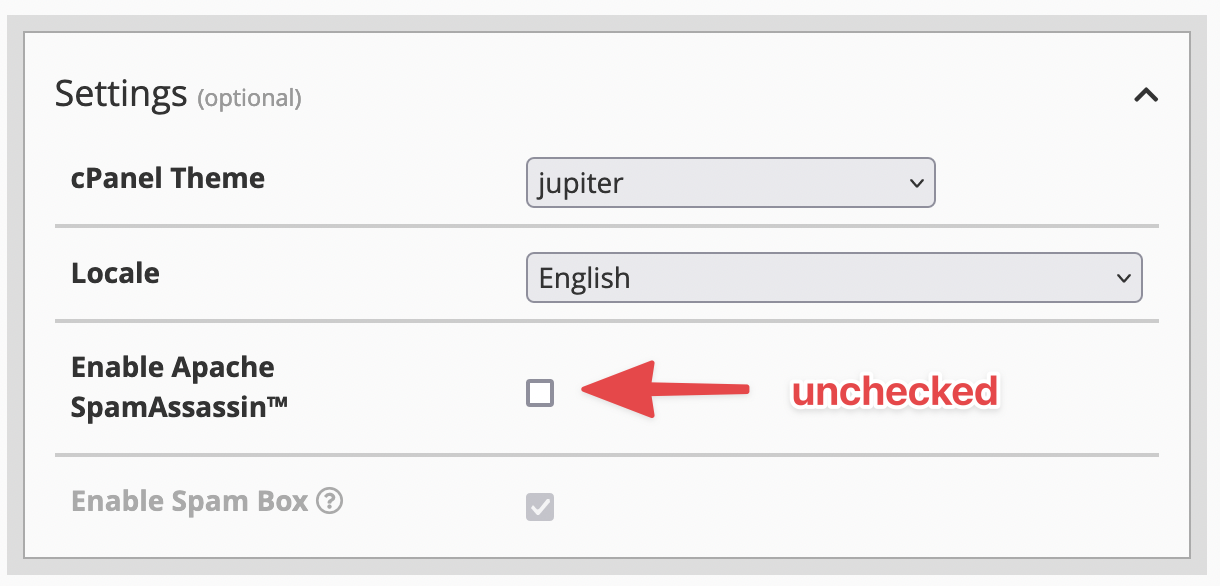
Settings
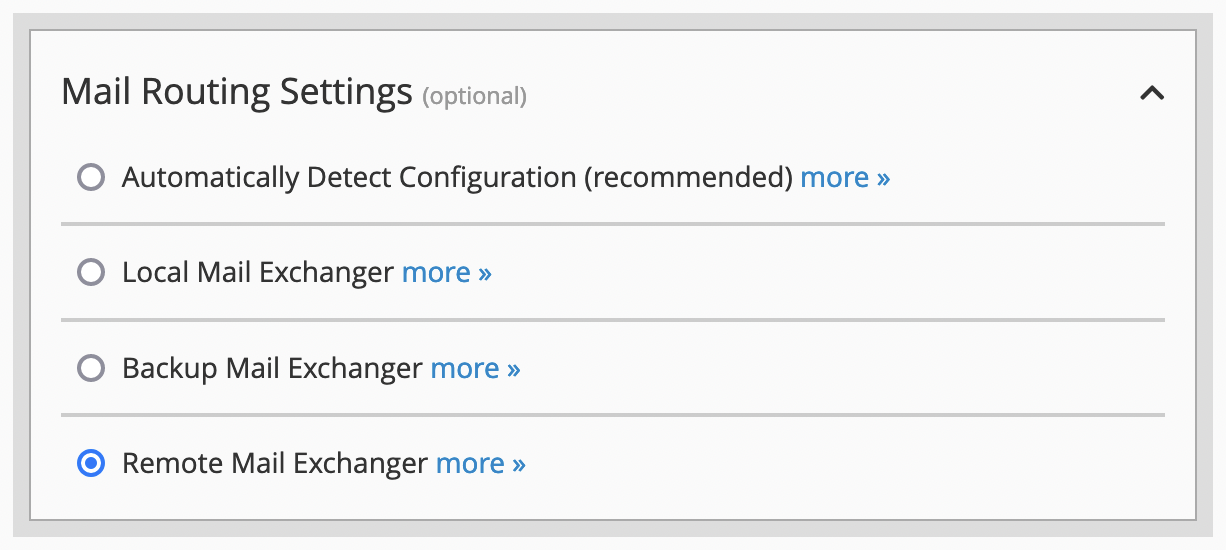
Mail Routing Settings
Warning
Ensure Remote Mail Exchanger is selected. The other options will create deliverability issues for any applications trying to send email.
DNS Settings
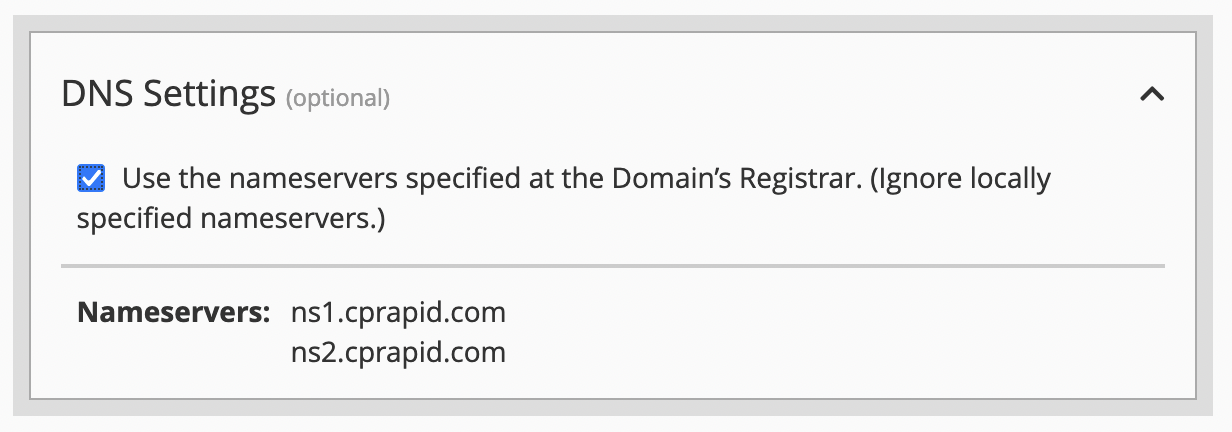
The screenshot says it all. Do not deviate.